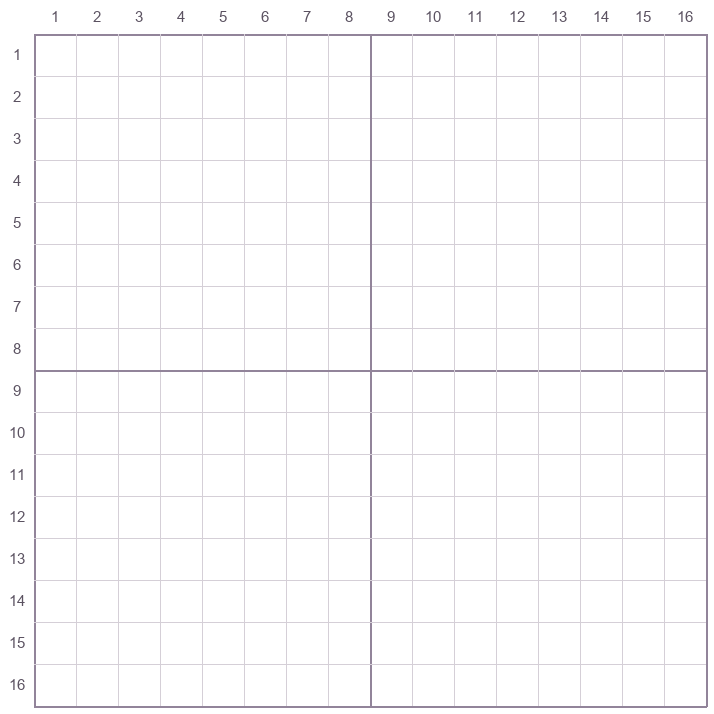
16 × 16 pixel art grid
Large squares for a first drawing, icon, or simple shape.
11.25 mm per square at 100% BeadSketch.
Draw one square at a time, or print a blank grid to draw on paper.
Move between squares with the arrow keys. Press Space to use the selected color or eraser.
11.25 mm per square. Print at 100% (Actual Size).
Use the viewer’s Save, Share, or Print controls.
Choose the number of squares you want across and down. All sizes have numbered edges and a darker guide line every 8 squares.
Large squares for a first drawing, icon, or simple shape.
11.25 mm per square at 100%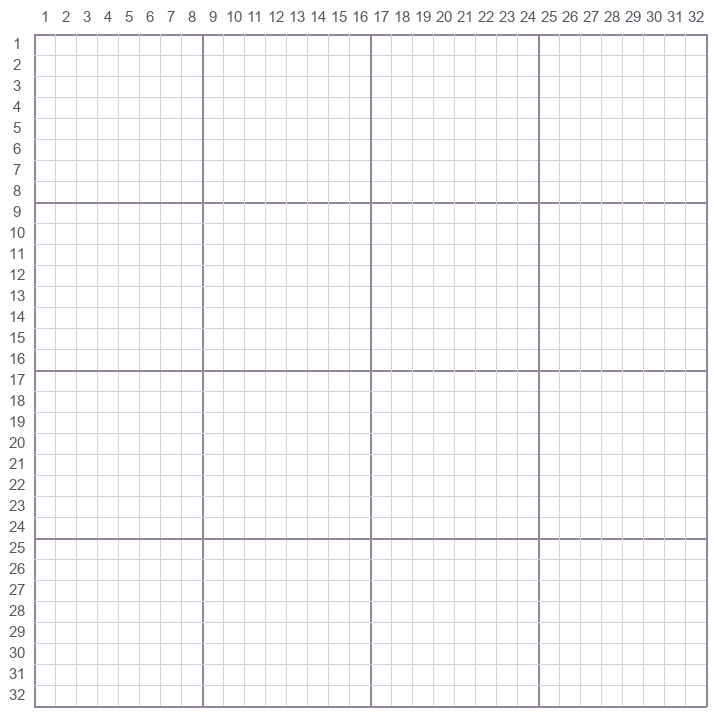
More room for a small character, lettering, or shading.
5.625 mm per square at 100%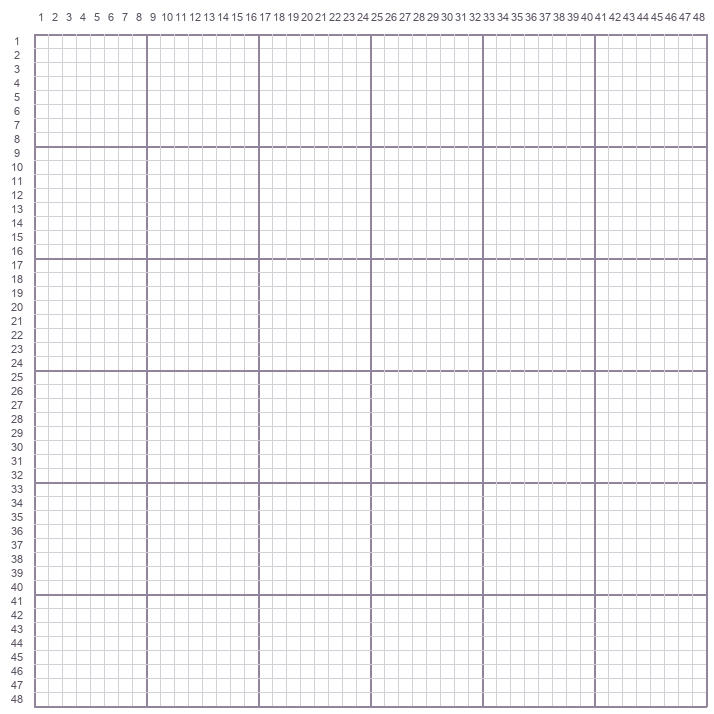
Smaller squares for a detailed design or a small scene.
3.75 mm per square at 100%Start with the 16 × 16 template and two colors. The numbers on the left mark rows and the numbers across the top mark columns. Each square is one pixel.
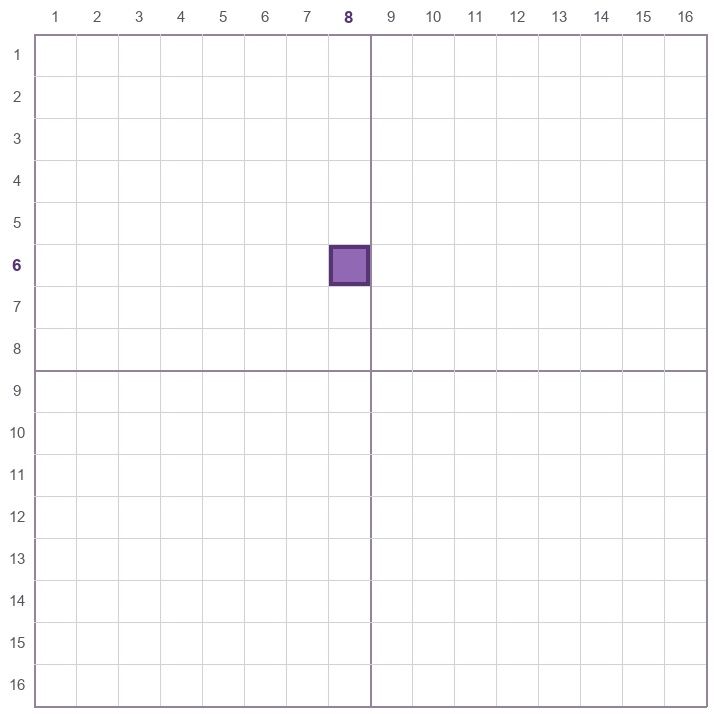
Find row 6 on the left and column 8 across the top. Fill the square where they meet with purple.
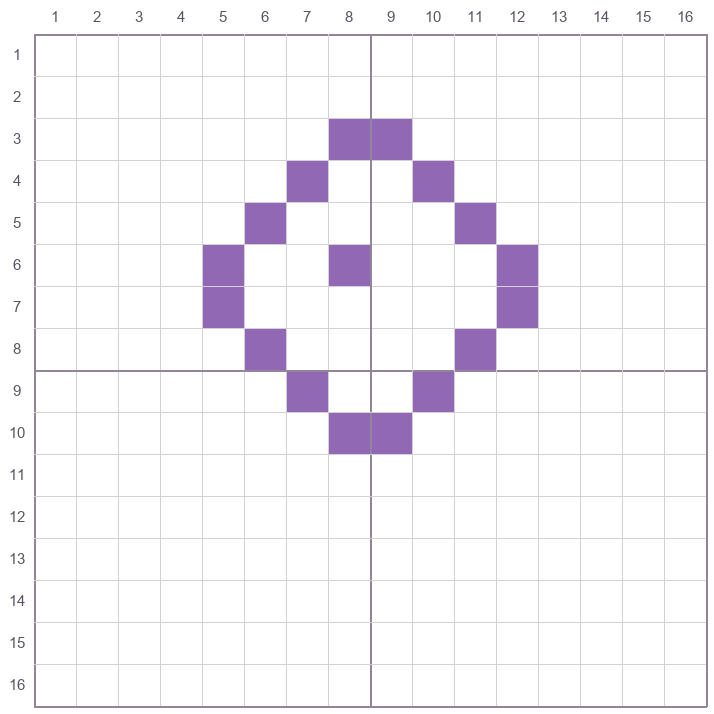
Copy the purple outline row by row. Start at the top of the flower and compare the left and right edges as you go.
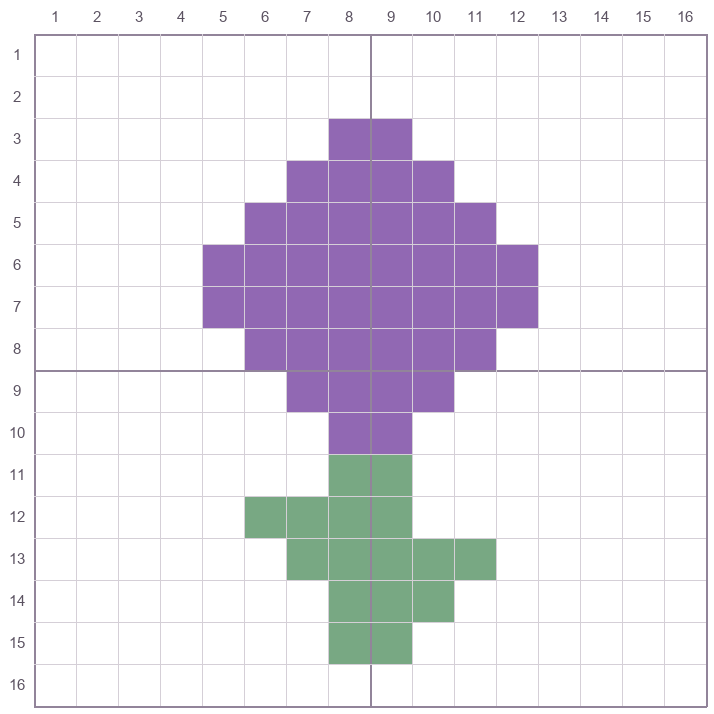
Fill the flower head with purple, then copy the green stem and leaves. Leave the other squares blank.
Yes. Pick a color, then click or drag across the squares. Use Erase for individual squares and Undo to reverse a stroke. You can save a transparent PNG, a numbered PNG, or a printable PDF of your drawing.
Start with a 16 × 16 grid for a simple shape. Choose 32 × 32 for a character with more details, or 48 × 48 for a small scene. More squares mean smaller spaces to color on the same sheet.
Download the version that matches your paper, A4 or US Letter. In the print dialog, choose Actual Size or 100%. The line labeled 50 mm should measure 50 mm on the printed sheet.
The numbered PNG is an image you can save or open beside your drawing. The one-page PDF is laid out for home printing and includes a 50 mm scale check. Both use the same row and column numbers.
For a drawing, choose Open PNG or Open PDF once the file is ready and use the viewer’s save or print controls. On devices that support sharing files, Share file opens the system share menu. For blank grids, use Open a blank template above.
Yes. Plan one bead per square and copy the design onto a board with enough pegs. The paper grids use different square sizes, listed by each download. Match the board by counting its pegs and the grid squares.
Working on a bead project? Make a printable bead pattern from a photo.
Allow analytics cookies?
Google Analytics and Microsoft Clarity can measure visits and interactions without cookies.