
Image to Pixel Art Converter
Turn a photo into pixel art and download a transparent PNG.
JPG, PNG, WebP · Up to 10 MB · Processed on your device

Choose an image or try an example to download a PNG.
What does an image-to-pixel-art converter do?
BeadSketch turns a JPG, PNG, or WebP up to 10 MB into pixel art by fitting it onto a small square canvas and reducing the number of colors. It exports an exact-size transparent PNG at 16 × 16, 32 × 32, or 64 × 64 pixels. The converter runs in your browser and is free to use without an account.
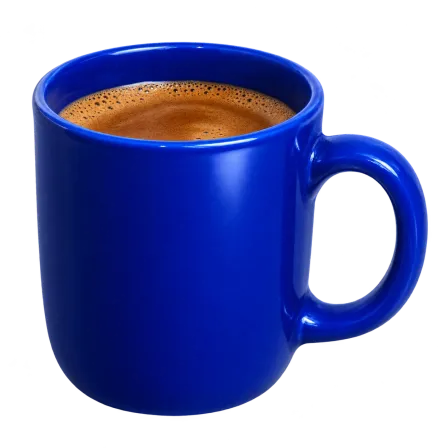
The blue mug and retro sneaker were both converted at 32 × 32 pixels with a 16-color limit. The mug shows how the converter handles a simple outline and a handle opening. The sneaker shows how much of a multicolor design fits on the same canvas.
For a photo with small details like shoelaces, try 64 × 64. For a simple silhouette like the blue mug, start with 32 × 32.

How to convert a photo to pixel art
- Choose a photo or drawing. Open a JPG, PNG, or WebP up to 10 MB, or choose one of the examples above.
- Set the pixel size and color limit. Start with 32 × 32 and 16 colors. Fewer colors give the image broader blocks of color. A larger canvas leaves room for details.
- Download the PNG. Check the preview, then save the file at the selected size. Each square in the result is one pixel in the download.
Choose a pixel size
| PNG size | Useful for |
|---|---|
| 16 × 16 px | Simple icons and bold silhouettes |
| 32 × 32 px | Avatars, simple characters, and pet portraits |
| 64 × 64 px | Photos with small details you want to keep |
Making something with beads? The bead pattern maker creates a printable chart with bead color codes and quantities.
Pixel art converter FAQ
How do I get a transparent background?
Start with a PNG or WebP that already has a transparent background. BeadSketch keeps empty areas transparent, including the padding around a rectangular image. To remove a solid background from a photo, remove it before converting.
Is the downloaded PNG really 32 × 32 pixels?
Yes. With the 32 × 32 setting, your PNG is exactly 32 pixels wide and 32 pixels tall. The larger preview makes the individual pixels easier to see. A wide or tall source image is centered on the square canvas and keeps its proportions.
What kind of photo makes good pixel art?
Start with one subject and a clear outline. Crop close around a face or object to give it more of the canvas. If eyes or other small details disappear at 32 × 32, try 64 × 64. If a simple icon looks busy, lower Max colors to 8.
Is the pixel art converter free, and does it upload my photo?
The converter is free to use without an account. Your browser processes the image and creates the PNG on your device.