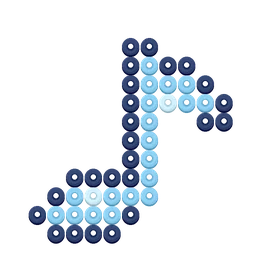
Shapes Music Note
12 × 11 · 3 colors · 46 beads
 BeadSketch.
A yellow lightning bolt with an orange edge and a bright inner stroke.
This free 9 × 10 chart uses 46 beads in 3 colors. The layout measures about 4.5 × 5 cm at 5 mm per position and fits one 29 × 29 square pegboard.
Pattern Preview · Generic palette
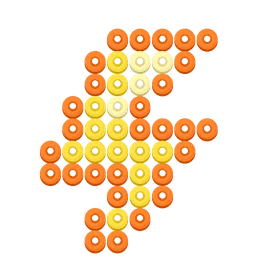
Build the diagonal upper section toward the left, then add the wide middle bar. Follow the second diagonal back down to the narrow end.
The middle bar changes the direction of the silhouette. Check its right edge against the chart before filling the lower bend.
Choose US Letter or A4 and download the PDF. Print at Actual Size (100%) for a 5 mm grid. Use the numbered rows and columns to place each bead, and follow your bead brand’s fusing instructions.
Printing and grid guideUse these counts with Perler or another compatible 5 mm fuse bead set. The Generic color codes come from BeadSketch’s palette. Match the shade names and swatches to the beads you have.
| Color | BeadSketch code | Beads |
|---|---|---|
| Orange | G29 | 29 |
| Yellow | G31 | 13 |
| Pale Yellow | G32 | 4 |
| Total beads | 46 | |
The two broad rows near the middle connect the upper and lower diagonals.
12 × 11 · 3 colors · 46 beads
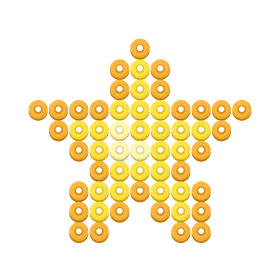
11 × 10 · 3 colors · 56 beads
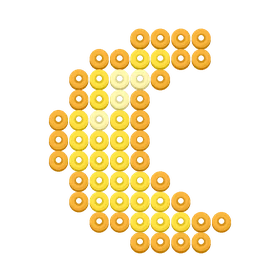
9 × 11 · 3 colors · 56 beads
Have a picture of your own? Turn an image into a bead pattern.
Allow analytics cookies?
Google Analytics and Microsoft Clarity can measure visits and interactions without cookies.